
Blog
PUE Optimization Strategies for AI-Heavy On-Premises Data Centers
Practical approaches to improving Power Usage Effectiveness in data centers running GPU-intensive AI workloads, covering cooling strategies, workload scheduling, and measurement frameworks.
Why PUE Matters More for AI Workloads
Power Usage Effectiveness (PUE) measures the ratio of total facility power to the power consumed by IT equipment. A PUE of 1.0 would mean every watt entering the facility goes directly to computation; a PUE of 2.0 means half the power is consumed by cooling, lighting, power distribution, and other overhead. Traditional enterprise data centers operate at PUE values between 1.5 and 2.0, while hyperscale cloud facilities achieve 1.1 to 1.2.
AI workloads make PUE optimization both more important and more difficult. A single NVIDIA H100 GPU draws up to 700 watts under full load, and a typical training or inference server contains four to eight GPUs. The heat density per rack in an AI-focused data center can be three to five times higher than in a conventional server room. This concentrated heat output puts enormous pressure on cooling systems, which are typically the largest contributor to PUE overhead.
The financial impact is direct. An organization operating 100 GPU servers at PUE 1.8 pays nearly twice as much for electricity as one operating at PUE 1.2. For AI workloads that run continuously, this difference compounds to hundreds of thousands of dollars annually. Improving PUE is one of the highest-leverage cost reduction strategies available to on-premises AI operators, and it requires no changes to models, code, or data.
Measuring PUE Accurately in Mixed Environments
Before optimizing PUE, you need to measure it correctly. Many organizations calculate PUE at the facility level by dividing total utility power by estimated IT load. This approach hides the true cost of AI workloads because GPU servers have dramatically different power profiles than general-purpose servers, storage arrays, and networking equipment sharing the same facility.
Implement workload-specific PUE measurement by installing power metering at the rack level or, ideally, at the power distribution unit (PDU) level for AI-dedicated racks. This allows you to calculate the PUE contribution of your AI infrastructure separately from the rest of the facility. In many environments, the effective PUE for GPU racks is significantly higher than the facility average because these racks drive disproportionate cooling demand.
Measure PUE continuously, not as a monthly or quarterly snapshot. GPU workloads are often bursty: training jobs may run at full capacity for days then idle while results are evaluated, and inference loads follow user traffic patterns with clear daily peaks. PUE varies with load because cooling systems have a baseline energy cost that persists even when IT load drops. Continuous measurement reveals the PUE at different load levels, which is essential for understanding whether your cooling infrastructure is right-sized.
Use the PUE breakdown to identify where overhead power goes. Decompose non-IT power into cooling (typically 40-60 percent of overhead), power distribution losses (15-25 percent), lighting and physical security (5-10 percent), and other facility systems. This decomposition directs optimization efforts toward the categories with the largest impact potential.
Cooling Strategies for High-Density GPU Racks
Cooling is the primary lever for PUE improvement in AI-heavy facilities. The traditional approach of pumping cold air into a raised floor and hoping it reaches the hottest equipment is inadequate for GPU rack densities. Three cooling strategies offer progressively better PUE impact.
Hot-aisle/cold-aisle containment is the minimum baseline. By physically separating the cold supply air from the hot exhaust air, containment prevents mixing that forces cooling systems to work harder. Organizations that have not yet implemented containment can typically reduce cooling energy by 15-25 percent with this structural change alone. For AI racks, ensure that containment systems can handle the higher exhaust temperatures that GPU servers produce.
In-row and rear-door cooling units place heat exchangers directly adjacent to or behind the high-density racks. Rather than cooling the entire room to a temperature that satisfies the hottest equipment, these units target cooling precisely where it is needed. This approach is particularly effective in mixed environments where AI racks coexist with lower-density equipment, because each rack gets cooling proportional to its heat output without overcooling the rest of the room.
Direct liquid cooling (DLC) circulates coolant through cold plates mounted directly on GPUs and other high-heat components. DLC can remove heat at densities that air cooling simply cannot match, and it does so with dramatically less energy because liquid transfers heat far more efficiently than air. Organizations deploying next-generation GPU hardware should evaluate DLC as a prerequisite rather than an optimization because the heat densities of current and upcoming GPU generations are pushing beyond what even the best air-cooling solutions can handle economically.
Regardless of which cooling strategy you adopt, raise the supply air temperature to the maximum that your equipment tolerates. ASHRAE guidelines allow inlet temperatures up to 27 degrees Celsius for most server equipment, and many GPU servers operate reliably at even higher temperatures. Every degree of increase in supply temperature reduces the energy required to produce that cooled air, directly improving PUE.
Workload-Aware Power Management
PUE optimization is not purely a facilities problem. How and when AI workloads run significantly affects total power consumption and cooling efficiency. Implement workload-aware scheduling that considers power and thermal impact alongside traditional resource allocation.
Schedule GPU-intensive training jobs during periods when cooling is most efficient. In many climates, nighttime ambient temperatures are 10-15 degrees Celsius lower than daytime peaks, which directly reduces the energy required for cooling. A training job that would push PUE to 1.7 during a hot afternoon might run at an effective PUE of 1.4 during a cool night. Workload schedulers like Slurm and Kubernetes can incorporate time-of-day policies that prefer off-peak hours for batch training workloads without affecting latency-sensitive inference serving.
Implement GPU power capping for workloads that are not latency-sensitive. NVIDIA GPUs support configurable power limits through nvidia-smi that reduce maximum power draw at the cost of slightly longer computation times. A training job running with GPUs capped at 80 percent of maximum power typically completes only 10-15 percent slower while reducing both direct power consumption and cooling load. For training jobs that run for hours or days, this tradeoff is usually favorable.
Use workload consolidation to avoid the efficiency penalty of partially loaded GPU servers. A GPU at 30 percent utilization draws substantially more than 30 percent of its maximum power due to static power consumption. Consolidating inference workloads onto fewer, more fully utilized servers and powering down idle servers reduces total power draw. Modern GPU orchestration platforms support bin-packing scheduling that maximizes GPU utilization per server before allocating additional servers.
Monitor the relationship between GPU utilization and facility power in real time. Build dashboards that show both IT power and cooling power together, enabling operators to see how workload changes affect overall PUE. This visibility often reveals surprising patterns: for example, a short burst of high GPU activity can trigger cooling system responses that persist long after the workload subsides, creating a PUE spike that dwarfs the direct compute power cost.
Power Distribution Efficiency
After cooling, power distribution is the second largest contributor to PUE overhead. Every conversion step between the utility supply and the GPU has losses: transformers, uninterruptible power supplies (UPS), power distribution units, and voltage regulators all consume energy as heat.
Evaluate your UPS topology. Traditional double-conversion UPS systems continuously convert AC to DC and back, losing 5-10 percent of power in the process. Line-interactive or eco-mode UPS configurations pass utility power directly to IT equipment during normal operation, engaging the conversion path only during power disturbances. Eco-mode UPS systems achieve 98-99 percent efficiency, recovering a significant fraction of distribution losses. The tradeoff is a few milliseconds of switchover time during a power event, which modern server power supplies handle without issue.
Right-size power distribution for actual load. Transformers and UPS systems operate most efficiently at 40-70 percent of rated capacity. Oversized power infrastructure that operates at low utilization wastes energy on fixed losses. As you add GPU capacity, verify that your power distribution is loaded within its efficiency sweet spot and resize if necessary.
Consider higher-voltage distribution within the facility. Distributing power at 400V or 480V to the rack rather than stepping down to 208V reduces current and therefore reduces resistive losses in cables and busbars. Many modern GPU server power supplies accept high-voltage input directly, eliminating one transformation step entirely.
Building a Continuous Improvement Program
PUE optimization is not a one-time project. Establish a continuous improvement program with regular measurement, target setting, and review cycles.
Set a realistic PUE target based on your facility type and climate. A retrofit of an existing enterprise data center might target PUE 1.4-1.5, while a purpose-built AI compute facility in a cool climate can target 1.2-1.3. Targets that ignore physical constraints create frustration rather than progress.
Track PUE trends by season and by workload mix. Seasonal variation reveals how much your PUE depends on ambient conditions and therefore how much impact free cooling or heat recovery could have. Workload mix variation shows whether new AI projects are being deployed with appropriate power and cooling provisioning.
Invest in energy recovery where feasible. The heat generated by GPU computing is substantial and, with liquid cooling, can be captured at usable temperatures. Organizations in cold climates can redirect this heat to building heating systems, turning a waste product into a cost offset. While the capital investment is not trivial, the combined benefit of reduced cooling costs and offset heating costs often produces attractive payback periods for facilities that operate GPU clusters year-round.
Finally, include PUE impact in the cost model for new AI projects. When teams request additional GPU capacity, the cost analysis should include not just hardware and software costs but also the marginal increase in facility power and cooling. This full-cost accounting ensures that infrastructure investment decisions reflect the true resource consumption of AI workloads and creates natural incentives for teams to write more efficient models and optimize their inference serving configurations.
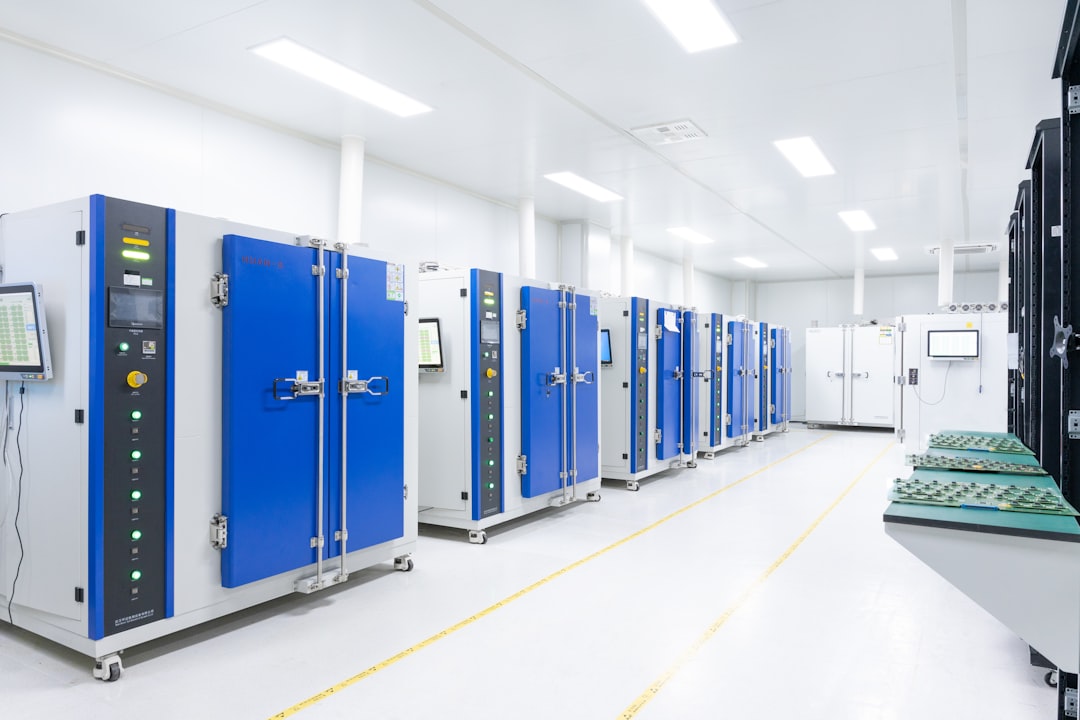
Featured image by Lightsaber Collection on Unsplash.
SysArt Consulting
Continue with related services and guidance
Use these links to connect the article with relevant consulting services and practical guidance.