
Blog
Capacity Planning for On-Premises LLM Deployments: Sizing Models to Hardware
A practical framework for sizing on-premises LLM infrastructure: from token throughput targets to GPU memory budgets, concurrency planning, and headroom for growth.
Why LLM capacity planning is different
Classic enterprise capacity planning starts with CPU, memory, and IOPS. LLM serving starts with GPU memory, token throughput, and tail latency, and the relationships between them are far less intuitive. A cluster that benchmarks impressively on batch workloads can collapse under twenty concurrent chat sessions, and a modest model served with good batching can outperform a much larger model on poorly configured hardware. Capacity planning for on-premises LLMs is not a spreadsheet exercise; it is a small engineering investigation.
The goal of this guide is to offer a practical order of operations: define workload shape, derive memory and throughput budgets, size concurrency, and plan for growth. None of this requires exotic tooling. What it does require is discipline about measuring the workload you actually have, not the one the model card advertises.
Start with workload shape, not model size
Before choosing GPUs, describe the workload. The variables that matter most are:
Request mix: interactive chat, batch document processing, agentic tool loops, and RAG answer generation behave very differently. A single cluster serving all of them is possible but needs explicit prioritization.
Input and output token distributions: mean and p95 of prompt length and generated response length. RAG workloads often have long inputs and short outputs; agent workloads often have the opposite.
Concurrency profile: peak simultaneous active sessions, arrival pattern, and whether requests are interactive (latency-sensitive) or asynchronous (throughput-sensitive).
Quality floor: the smallest acceptable model for each workflow. Not every task requires a 70B-class model; many document tasks are well served by 7B to 14B models with domain-aware prompts.
Capturing these as numbers — even rough numbers from a two-week logging exercise — changes every subsequent decision. Vendors will size you for their benchmarks; your own workload shape is what actually drives the bill.
GPU memory: model weights are only part of the budget
A common sizing mistake is counting only model weights. On-device memory must hold:
Model weights at the chosen precision (FP16, BF16, FP8, or quantized INT8/INT4).
KV cache, which grows linearly with sequence length and concurrency and frequently dominates memory for long-context workloads.
Activation memory during inference, which is smaller per request but still meaningful for wide batches.
Runtime overhead from the serving framework itself — vLLM, TGI, SGLang, and TensorRT-LLM each carry their own book-keeping.
Practically, expect the KV cache to become the binding constraint for chat and agent workloads. Enabling paged KV cache (as vLLM does), quantizing the KV cache, and capping maximum context length per workflow are the levers you have. Choose precision deliberately: FP8 or well-calibrated INT8 often preserves quality while roughly halving memory pressure compared to FP16.
Always reserve working headroom. A GPU running at 95 percent memory has no room for the occasional long prompt or a speculative-decoding draft model. Plan for 70 to 80 percent steady-state memory utilization so normal variance does not page you at 2 a.m.
Throughput, latency, and the tyranny of the tail
Headline throughput numbers (tokens per second at batch 64) rarely match production numbers (tokens per second at batch 3 with bursty arrivals). For interactive workloads, time-to-first-token and inter-token latency drive perceived quality; for batch workloads, aggregate tokens per second is what matters.
Two configuration choices have outsized impact:
Continuous batching: modern serving engines dynamically batch at the token level. Properly configured, this can multiply useful throughput several times over static batching, without hurting interactive latency.
Speculative decoding: a small draft model proposes tokens that the main model verifies in parallel. When applicable, this reduces latency meaningfully and is especially helpful for short-output interactive traffic.
Measure both mean and p95 latency under realistic concurrency. A setup with strong mean performance but an ugly tail will trigger support tickets from exactly the users whose transcripts become case studies. Capacity planning must size for the tail, not the average.
Concurrency, isolation, and fleet shape
Once per-GPU budgets are clear, the cluster shape follows from concurrency targets. A few practical heuristics:
Prefer more smaller nodes over fewer very large ones for interactive traffic. Fleet-wide failure domains are smaller, and rolling upgrades do not black out a disproportionate share of capacity.
For very large models that exceed single-GPU memory, tensor or pipeline parallelism is unavoidable. Choose the smallest parallelism degree that fits comfortably; every extra shard adds interconnect dependency and failure surface.
Isolate batch and interactive workloads at the scheduler level. A large batch job arriving at 10 a.m. should not delay the first token of an executive's chat request.
Keep a small, dedicated pool for evaluation, canary, and red-team traffic. Reusing production GPUs for these purposes generates both noisy benchmarks and unhappy users.
Think in terms of service classes backed by different queues and different quantization or model choices, rather than a single monolithic cluster where every workflow competes on equal terms.
Planning for growth and unknowns
On-premises hardware procurement runs on quarters; LLM adoption runs on weeks. Design the platform so that early demand spikes do not require emergency purchases. Useful levers include:
Quantization tiers: the ability to serve the same model at FP16 or INT8 at different service levels, letting you reclaim capacity under pressure without a procurement cycle.
Model cascading: route routine work to smaller models and escalate to larger models only when needed. Cascading dramatically improves effective capacity when most requests are routine, which is typical for enterprise workloads.
Hybrid overflow: a pre-approved, data-classified path for non-sensitive traffic to burst to a trusted external provider when internal capacity is saturated. Governance, not technology, is usually the bottleneck here.
Reservation and chargeback: make capacity visible to business owners so growth conversations happen before incidents. Align with gpu quota and chargeback patterns already in place for shared platforms.
Revisit the plan quarterly. New models, new serving features, and new workloads arrive faster than annual planning cycles assume; teams that rerun capacity math every quarter avoid both over-provisioning and fire-drill upgrades.
Putting it together
Sound on-premises LLM capacity planning starts with workload shape, not hardware specs. From there, GPU memory is budgeted across weights, KV cache, activations, and runtime overhead with deliberate headroom. Throughput and latency are measured under realistic concurrency, with continuous batching and speculative decoding treated as first-class tools. Concurrency targets drive fleet shape, isolation, and service classes. Finally, quantization tiers, cascading, hybrid overflow, and visible chargeback protect the platform against the unknown. The teams that do this well rarely discuss capacity in public; the teams that do not usually discuss it in their post-incident reviews.
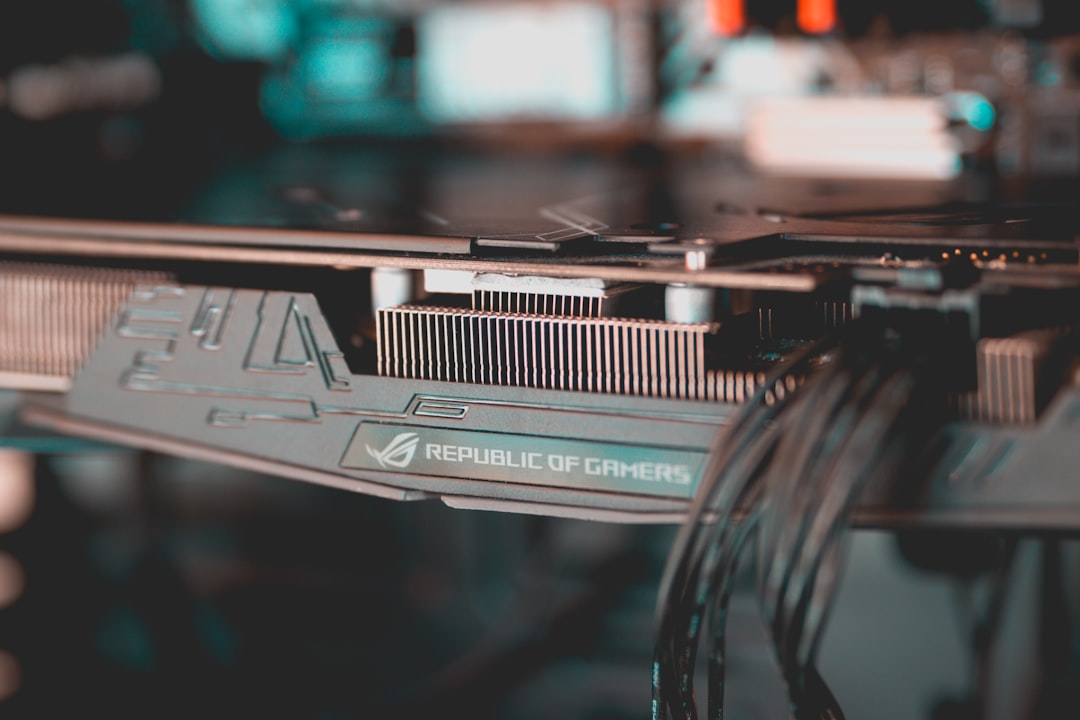
Featured image by Dimitris Chapsoulas on Unsplash.
SysArt Consulting
Continue with related services and guidance
Use these links to connect the article with relevant consulting services and practical guidance.